
Answers on Hipobuy quotes: support routes, a glossary and short replies
Help routes for quote questions, a glossary of the words on an estimator card, frequently asked points about the two prices and the tag, and a message you can send to Hipobuy support.
Support routes for a puzzling figure
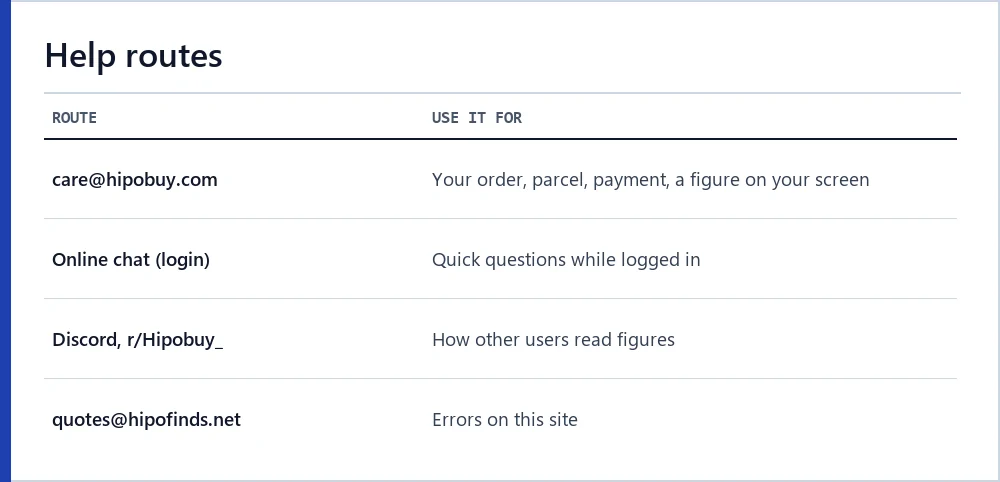
For anything tied to your account, go to Hipobuy. Its customer service address is [email protected], and the site has an online chat for logged-in users. Hipobuy publishes buying hours, 09:00 until 18:00 Beijing time, but no customer service hours, so allow for a reply the next day.
Hipobuy also runs a Discord server and the subreddit r/Hipobuy_, both linked from its own pages. They are useful for asking how others read a figure, but staff answers there are not the same as a written reply from support.
For a mistake on this site, write to [email protected]. We cannot see your order, so please do not send account details.
Glossary of quote words
A glossary of the terms you will see on an estimator card and in community threads. Where Hipobuy defines a word, the definition follows its wording; where it does not, we say so.
Field names in code type are the internal names in the estimator’s own response. You never need them to use Hipobuy, but they let you match what a card shows to what the data says, and they stay stable when the visible labels change language.
Two words are easy to mix up. The first weight is a minimum charge unit on a line; the estimated weight is the warehouse’s guess at your packed parcel. The first lives on the estimator, the second on the parcel page.
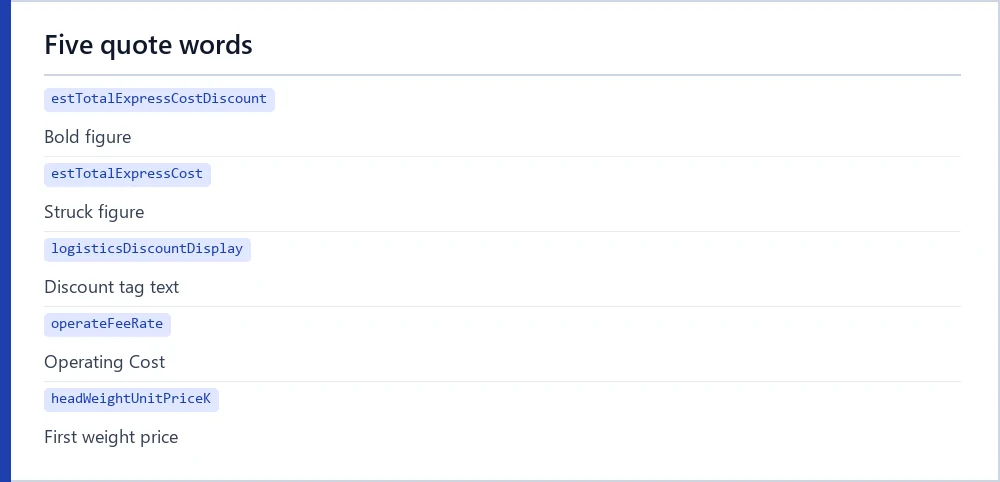
- Bold figure
- The large blue shipping fee on an estimator card. Field
estTotalExpressCostDiscount. - Struck figure
- The grey price with a line through it, shown when it differs from the bold one. Field
estTotalExpressCost. - Discount tag
- The small orange tag under the prices; its text is a site setting, “25%” on 16 October 2026, plus the word OFF.
- Show More
- The panel under a card with package restrictions, accepted product types, Freight Basis and line characteristics.
- First weight
- In Hipobuy’s estimator FAQ, the minimum weight a parcel is charged for. Shown in Show More as a price per step.
- Additional weight
- The price of each step above the first weight.
- Fuel Surcharge
- A per-parcel figure in Show More; zero on some lines. Not defined by Hipobuy.
- Operating Cost
- A per-parcel figure in Show More, 1.74 dollars on every line we read. Not defined by Hipobuy.
- Volumetric weight
- The three box dimensions in centimetres multiplied together, then divided by the line’s divisor. Many lines charge this or the scale weight, whichever comes out higher.
- Display rate
- The rate the page uses to turn yuan into your currency; 0.1733 dollars per yuan on 16 October 2026.
- Carriable
- Whether a line can take your parcel at the weight entered; lines that cannot are greyed with a reason.
- Warehoused
- The order status that starts the free storage period.
- QC, GL, RL
- Quality check photos from the warehouse. In community threads GL, a green light, means you accept what the photos show and RL, a red light, means you do not; photos show.
Common questions about the two prices and the tag
These are frequently asked points about the figures on a Hipobuy quote, answered as far as the official pages and the estimator data allow. Tap a question to open the answer.
Several answers end in “not stated”. That is deliberate: where Hipobuy has published nothing, a confident answer from us would be a guess, and a guess about money is worse than a clear gap you can take to support.
All figures in the answers come from the estimator readings of 16 October 2026. If your card shows something different today, trust your card and note the date.
Which of the two prices will I pay
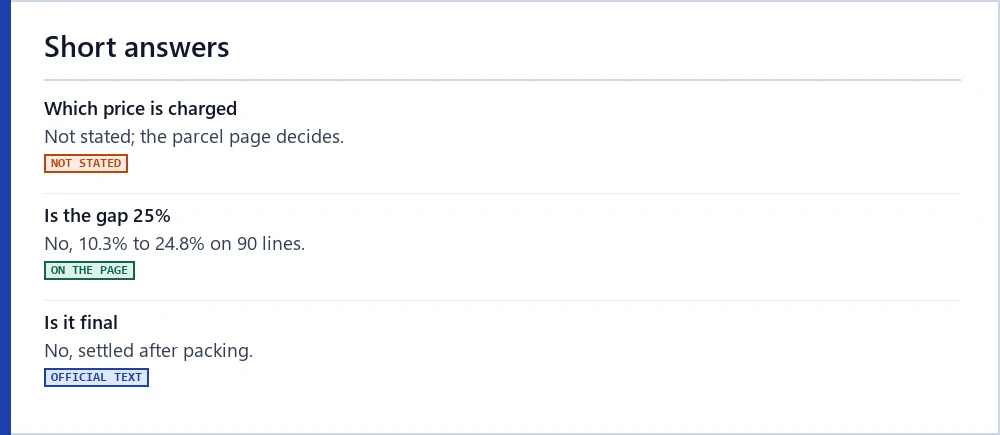
Hipobuy has not said. The estimator calls itself an estimate; the amount you prepay is set on the parcel page from your items’ estimated weight and size, coupons and options, then settled after packing. Note both card prices and compare them with the parcel page.
Why does each line show two prices
The page shows the bold figure and, when it differs, a struck figure. On 16 October 2026 they differed on all 90 lines we checked. The page does not explain why.
Does the 25% tag mean the bold price is 25% lower
Not on any line we read. The gap ran from 10.3% to 24.8% of the struck figure. Arithmetically, the bold figure equals the struck one with a quarter taken off the weight charge only. Hipobuy does not say which parts the tag covers.
Why is Operating Cost the same on every line
We do not know. The fees page describes a customs declaration cost of generally RMB 10.00 depending on the shipping method, and the estimator shows the same 1.74 dollars (10.01 yuan) everywhere. Hipobuy does not link the two.
Why did my dollar price change when nothing else did
Every dollar figure is a yuan figure times the site’s display rate, which Hipobuy adjusts from time to time. Line prices also change on their own; date every figure you note.
Why does a grey card show $0.00
That line cannot carry your parcel at the weight you entered, usually because it is under the line’s minimum. The zero is a placeholder.
Are duties included in a quote
The tax label on a line is the operator’s description of who handles duties. What you owe is decided by your country’s rules, and Hipobuy’s customs page leaves customs risks with the buyer.
Is the estimate final
No. Hipobuy’s guide says the final cost follows the packed parcel’s weight and size, with any excess deposit refunded and any shortfall charged.
How often do these figures change
Prices and promotions can change any day. We treat estimator figures as good for about two weeks and promotions for about one, and re-read before each edition.
A message to send Hipobuy about a figure
If a figure puzzles you, a short, specific message gets a better answer than a general one. Something like this works:
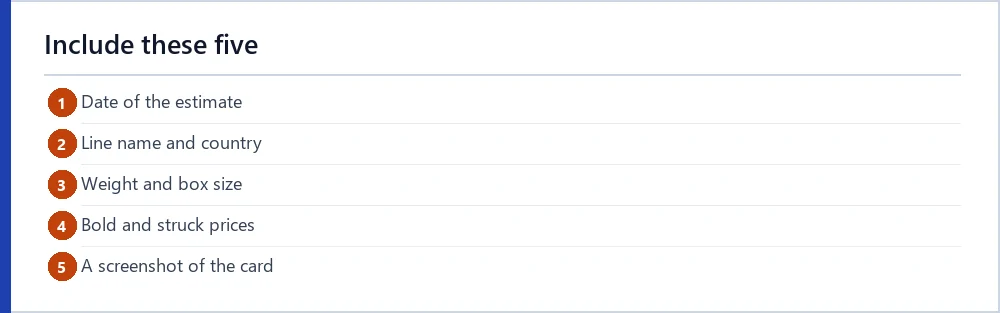
Attach a screenshot of the card. Keep the reply with your parcel records until the parcel is settled and delivered.
Next steps
Ready to read a quote of your own? Run the estimator with your parcel, then put the two prices into the quote reader to label each figure.